


FLG is the only easy-to-use online CRM for SMEs that can help you manage 100,000s of leads,
automate your sales touchpoints and optimise your lead management process.
The first choice of small to medium businesses across the UK




Become a part of our thriving business community!
Many customers have moved on from traditional spreadsheets to our cutting-edge professional software, equipped with the same key features that major corporations leverage for success.
Spreadsheets can’t handle
100,000s of leads…
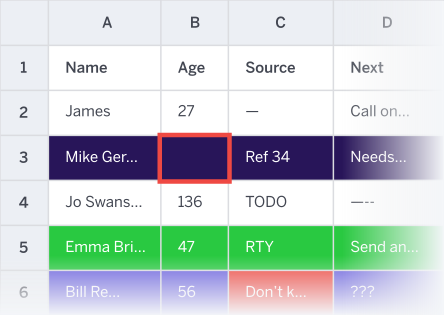
- Time consuming
- Difficult to manage
- Risk of human error
- Not automated
Off the shelf CRMs can be
difficult to use…

- Too many/few features
- Inflexible
- Poor integration options
- Costly, impersonal support
How much is this costing your small business?
The cost of doing nothing could be much more than
doing something about it.
- Lost opportunities and limited growth potential
- Wasted time that could be spent selling
- Paying for multiple tools and resources to fill the gaps
- Regulatory penalties
What if you could manage 100,000s
of leads effectively by automating your
sales process?
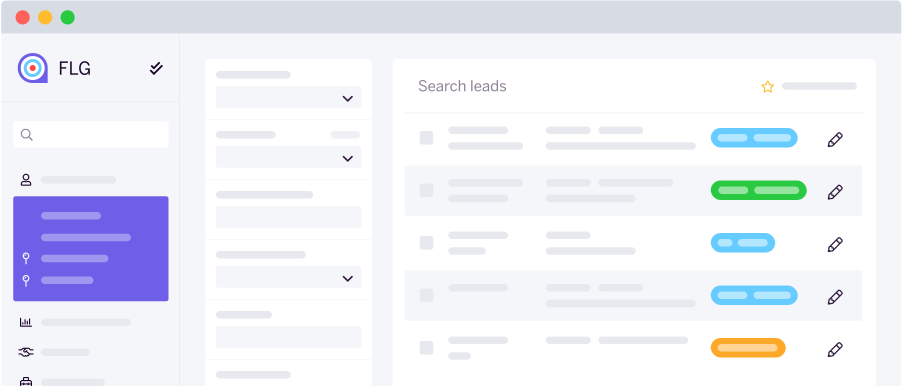
FLG is the only simple CRM system with all the features you need to
manage your leads and build the best CRM workflows around your entire sales
process, without having to change it.
Lead management
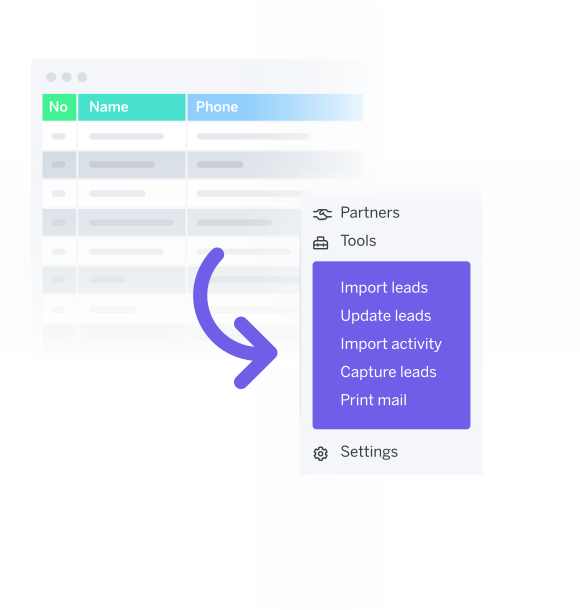
- Gather leads from any source
- Bulk imports
- Logic-based lead distribution
- Automated intelligent workflows
- Bulk exports, edits and updates
- Advanced de-duplication features
- Reporting & analytics
How many sales could you close with
more leads being managed correctly?
Ensure compliance
- Built-in templates
- Track contact preferences & consent
- Step-by-step guided call scripts
- E-signatures
- Integrations with diallers & telephony services to save call notes & recordings
- Time-stamped audit report
- Secure cloud-based SaaS platform, hosted in ISO 27001 certified data centres in the UK and the Republic of Ireland
 Never worry about falling
short on compliance again.
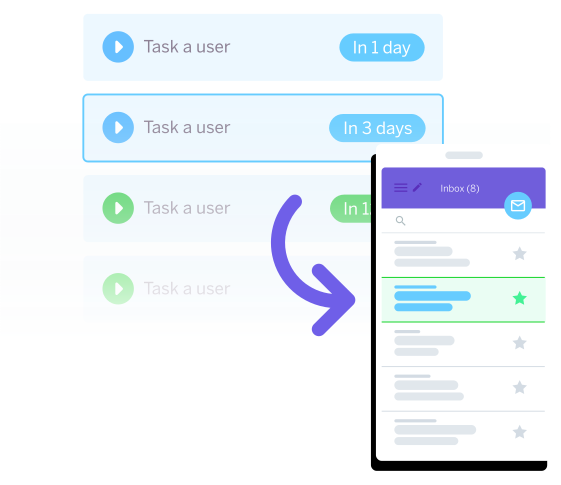
- Personalised follow-up sequences
- Contact around appointments & events
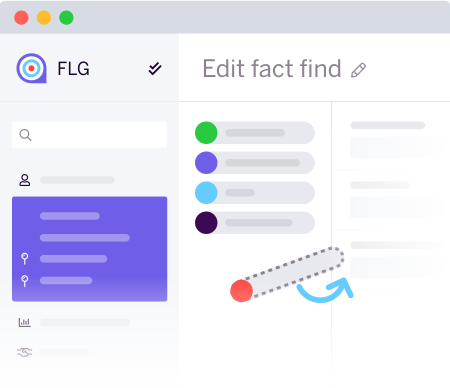
- Customer-facing external fact-find forms
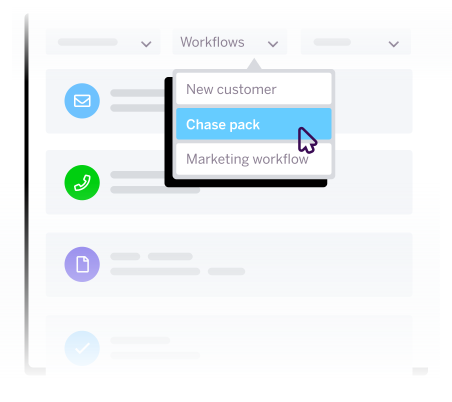
- Powerful workflows triggered by a status
change or completed action - Automated onboarding processes
- Chase down unresponsive leads
with multi-channel marketing
What if you could halve the time
it takes to follow up a lead?
Intelligent automation
that’s easy to use
“We have used FLG for a while now and I would definitely recommend this company to anyone, their platform is super easy to use and can be integrated with pretty much everything. Their support team are consistently helpful and they always let us know when something new is coming.”
 Mark Jenkins
Money Management Team
And if you ever need any help?
We have a friendly team of UK-based experts!
All this without having to change your processes
Unlike other small business CRMs, FLG honours and works with your current workflows. Our solution improves efficiency by using optimised automated operations that reflect your distinct business style. This gives your team the freedom to focus on making more sales, giving you more time to devote your efforts to the expansion of your company as a whole.
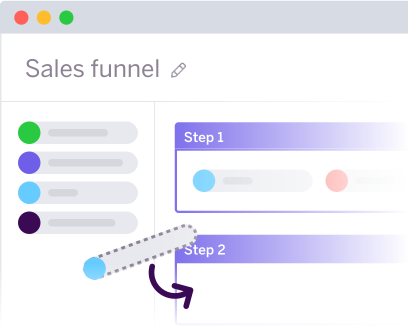
You don’t have to change your sales process.
A central hub with lots of integration options
to move data between your web apps
- Connect seamlessly with 3,000+ external
web apps and automate workflows between
them with our Zapier integration - Use our API or powerful webhooks
to link FLG with many popular tools and services - Receive leads directly from lead providers
- Integrate with your external calendars
- Voice integrations with diallers,
and Aircall & CircleLoop telephony systems
Over 5,000 UK users can’t be wrong – read what
some of them have to say
Hundreds of companies have already
switched to FLG, why not join them?
FLG is already helping teams just like yours to manage their
leads and close more deals.
Try FLG for free for 14 days – no contracts, no credit card.
Just request a demo to get started.